overview

attack on titan live action trailer

If you haven't seen Attack on Titan yet, I would recommend not looking at the rest of this page. There are spoilers below. It is definitely worth the watch, and it's one of the best pieces of media I've ever consumed.

It's an anime, and I think one of the better applications of these AI image and video models is making live-action, hyper-realistic versions of anime and cartoons. Funnily enough, they are also starting to excel at generating anime and cartoons as well.

Anyways, below are some notes of me trying to convert anime into a live action trailer for the first time. Also, feel free to hit "clone project" if you want to see prompts/videos closer up.
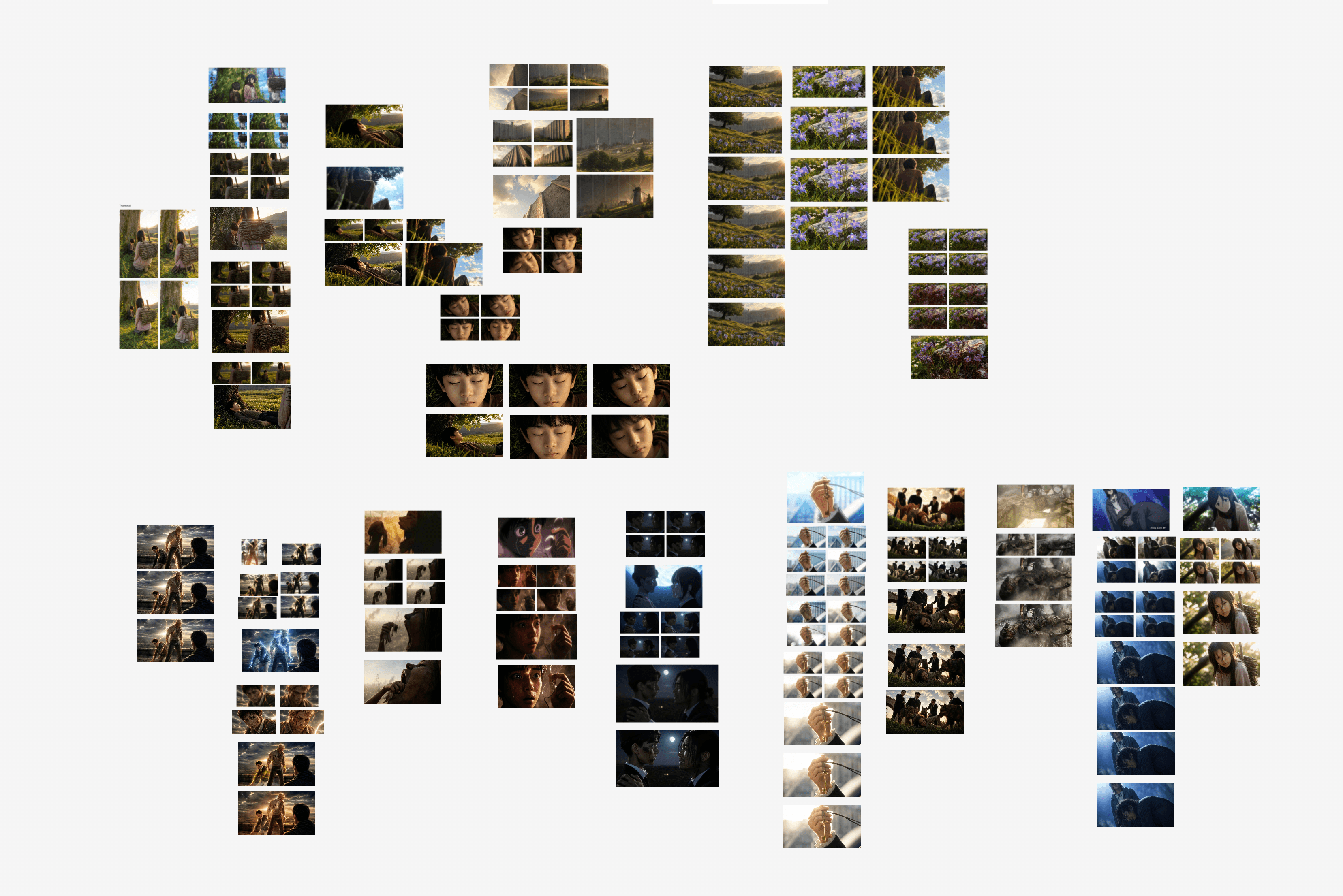
clone project
Attack on Titan live action trailer process board
0:00 | 0:00
0:00 | 0:00

establishing shots

Setting up these establishing shots was a breeze (no pun intended). It was as simple as using Nano Banana or GPT Image 2 (image models) to create a still and then animating it with Kling (video model). Kling 3.0 excels at these simple camera movements and animations.

One nice thing about converting something from an anime into live action is that the anime makes all the choices for you: the composition, the lighting, the color.

Hajime Isayama & co. have already done that work for me. Since this demo trailer is a montage of clips from a show with such an established visual language, I could mash scenes together and still keep the whole thing feeling cohesive.

0:00 | 0:00
0:00 | 0:00
0:00 | 0:00
0:00 | 0:00
0:00 | 0:00
0:00 | 0:00

content filters

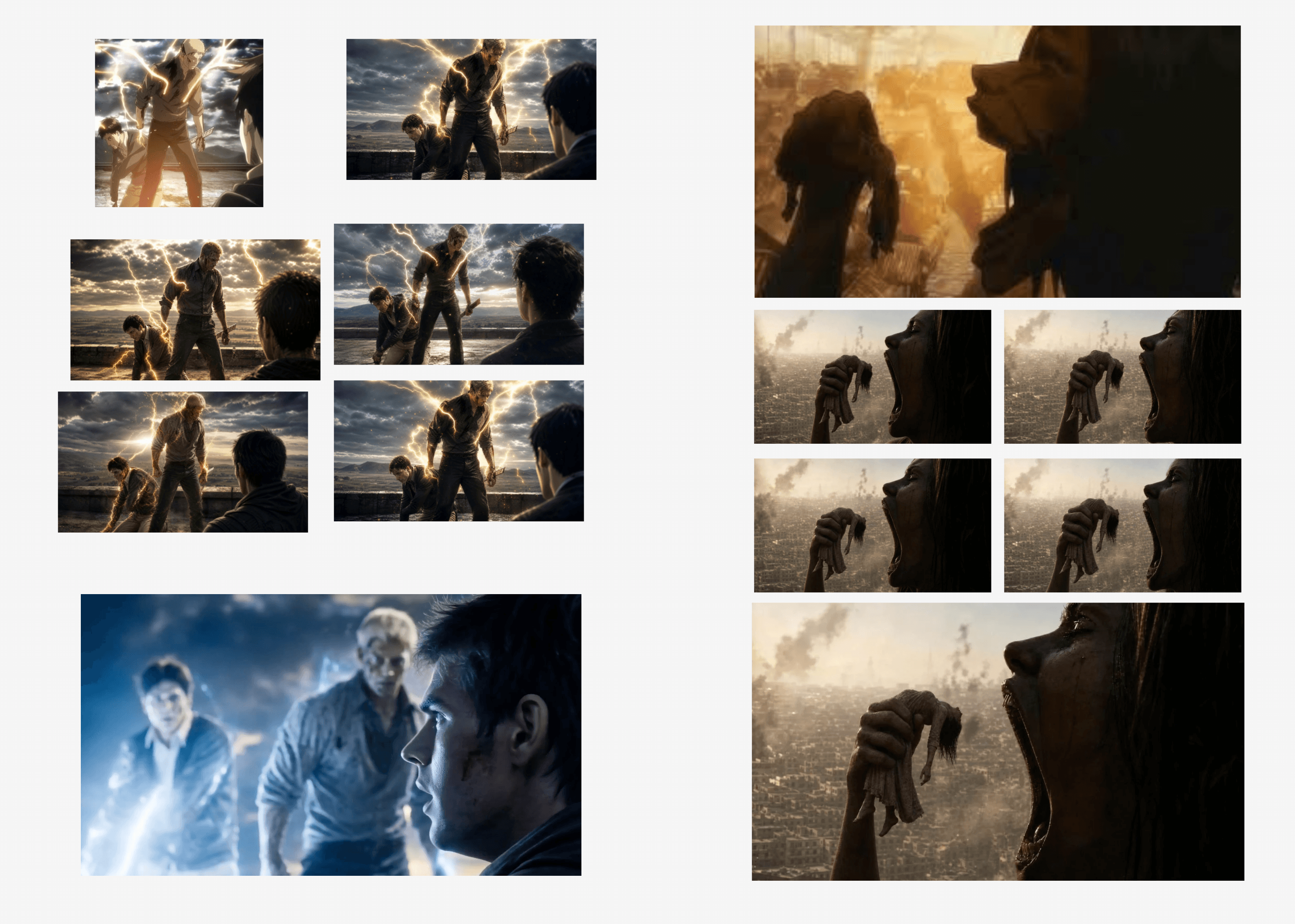
Here is a clip where I had to bypass content filters. This character in the show is burnt to a crisp, so I told Kling that this was just barbecue pork instead, as well as adding extra steam. You'll see in the clip that it actually transitions into a grill with pork on top. If you don't believe me, clone the project and see the prompts directly.

Content filters are pretty easy to bypass unless you're doing something you shouldn't be doing.

video edits

Kling has been the strongest model I've found for editing existing video. I originally made this cinematic clip with Seedance, and I loved its depth-of-field effect, but the lighting in the show is yellow rather than blue.

Instead of taking it into After Effects or rebuilding the shot by hand, I used Kling to correct the lighting. It tracked the clip beat for beat, changing exactly what I asked for while preserving everything else.

Anime to real visual direction for the Attack on Titan live action trailer

The overall process was to start with a screenshot from the anime, convert it into a hyper-realistic still, and then animate it with Kling for simpler movements or Seedance for more complex action.

Thanks for reading this far! If you want to see the exact prompts and source videos, click "clone project".

clone project